Find your way
by feel.
A little help with the objects, the controls
and the small things in between.
Eight steps to
your own little thing.
The browser playground is a hands-on sketch of PIP’s musical idea. It makes three sounds: a low kick, a ticking hat and a pitched tone. No files, microphone or musical experience needed.
- 01
Begin with Play.
Check that your device volume is comfortable, then press Play. The starting volume is 25%. Good morning is already arranged for you.
- 02
Place a few sounds.
Each row has eight steps. Press a square to turn that voice on or off at that moment. The loop runs left to right. The small light and filled dot show which steps you’ve chosen.
- 03
Follow your ears.
Tempo changes the speed from 60 to 160 BPM. Each step is half a beat. Tone moves from warm and muffled to bright and open. Volume sets the overall level; zero is silent.
- 04
Try another personality.
Round, Soft edge and Square change the pitched voice. The kick and hat keep their own character. Choose a starting point for a new arrangement, or Clear steps to begin with silence.
- 05
Leave it in a good place.
Stop silences the instrument and keeps your pattern. Reset stops sound and returns every control to Good morning. Switching tabs or leaving the page also stops sound. Press Play again to restart from step one.
Playing with a keyboard
Tab moves between controls. Space or Enter presses a step or starts and stops Play when that button is focused. Use the arrow keys on a slider to change tempo, tone or volume. All step buttons announce their voice, number and on/off state.
I can’t hear anything
Press Play first, turn up the playground’s volume a little, then check your device volume and output. At least one step must be on. Set Tone nearer Bright if the hat is too soft. On a phone, check silent mode. If your browser reports that sound is blocked, allow audio for this page and press Play again. The playground needs a browser that supports Web Audio.
Will my pattern be saved?
Your pattern stays while this playground page stays open. It survives Stop and a hidden tab, but a reload or navigation away returns to Good morning. Starting points replace the pattern, tempo, tone and voice shape; they keep your chosen volume.
Two knobs.
Easy company.
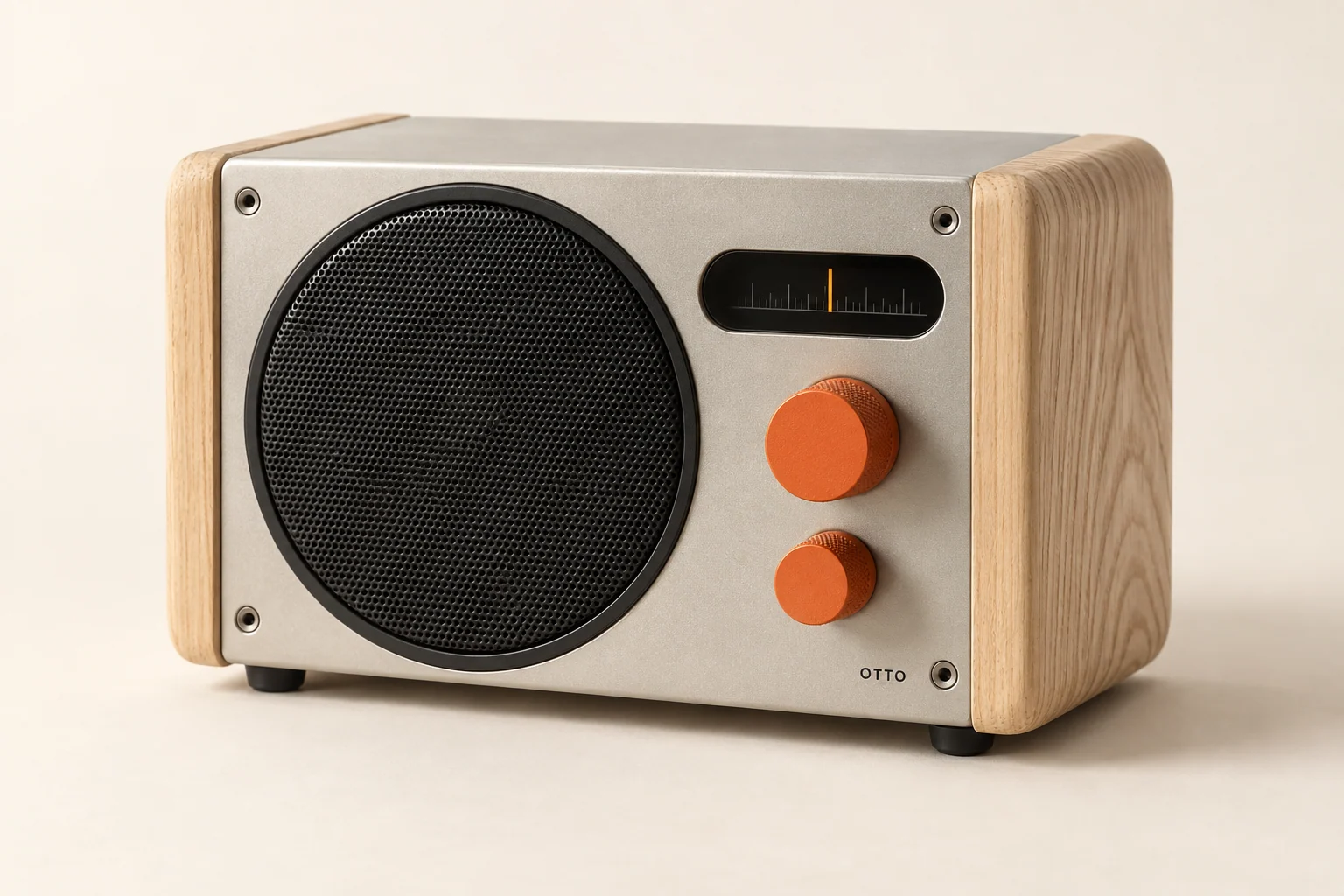
PERCH is a proposed mains-powered desktop radio. Give its rear a little breathing space and set it on a dry, stable surface.
- Large knob
- Turn clockwise past the first click to switch on. Keep turning to raise the volume. Turn all the way back to click off.
- Small knob
- In FM, turn to tune. Press once to cycle between FM, Bluetooth and line-in. The amber marker shows the selected source and tuning position.
- Bluetooth
- Choose Bluetooth, then hold the small knob for three seconds. Select “OTTO PERCH” in your player’s Bluetooth menu. Keep your player’s volume around the middle to start.
- FM radio
- Extend the rear antenna and move it for the clearest signal. Turn the small knob slowly. Reception depends on your location.
HARDWARE GUIDANCE DESCRIBES THE FICTIONAL DESIGN PROPOSAL.
PERCH specificationsA button.
A beat. A beginning.
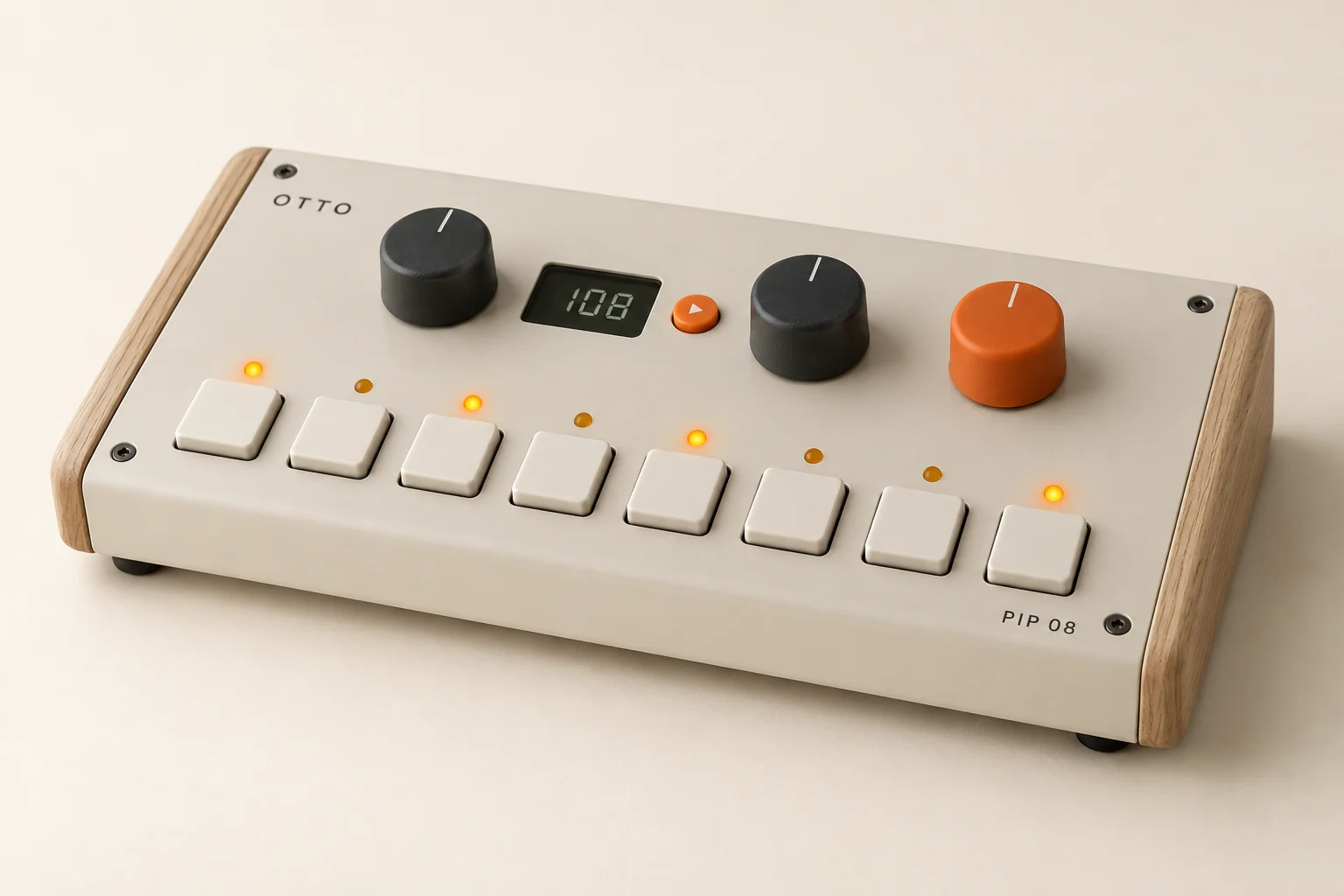
Connect USB-C power and plug headphones or a speaker into the 3.5 mm output. PIP’s proposed design has no built-in speaker or battery.
- Left knob / tempo
- Turn to choose 60–160 BPM. The display shows the speed. A full eight-step loop is four beats long.
- Middle knob / tone
- Turn to change brightness. Press to move between kick, hat and tone; the keys show the selected voice’s pattern.
- Orange knob / volume
- Set the listening level. Begin low when connecting headphones or another speaker.
- Eight keys
- Tap a key to add or remove a sound. Each lit key plays as the sequence passes it. The small orange button starts or stops the loop.
The web edition shows all three rows together and adds selectable voice shapes. It is a musical experiment, rather than an exact hardware emulator.
Try the musical ideaOne small cable.
A bigger conversation.
- Turn the volume down on both objects.
- Connect PIP’s output to PERCH’s line-in using the stereo cable included with PIP.
- Press PERCH’s small knob to choose line-in.
- Start PIP, then bring the volume up gradually on both objects.
Each object needs its own USB-C power connection. PERCH includes its power adapter. PIP includes a cable and needs a 5 V USB power source. Neither object sends audio over USB in this concept.
Let it look
a little lived with.
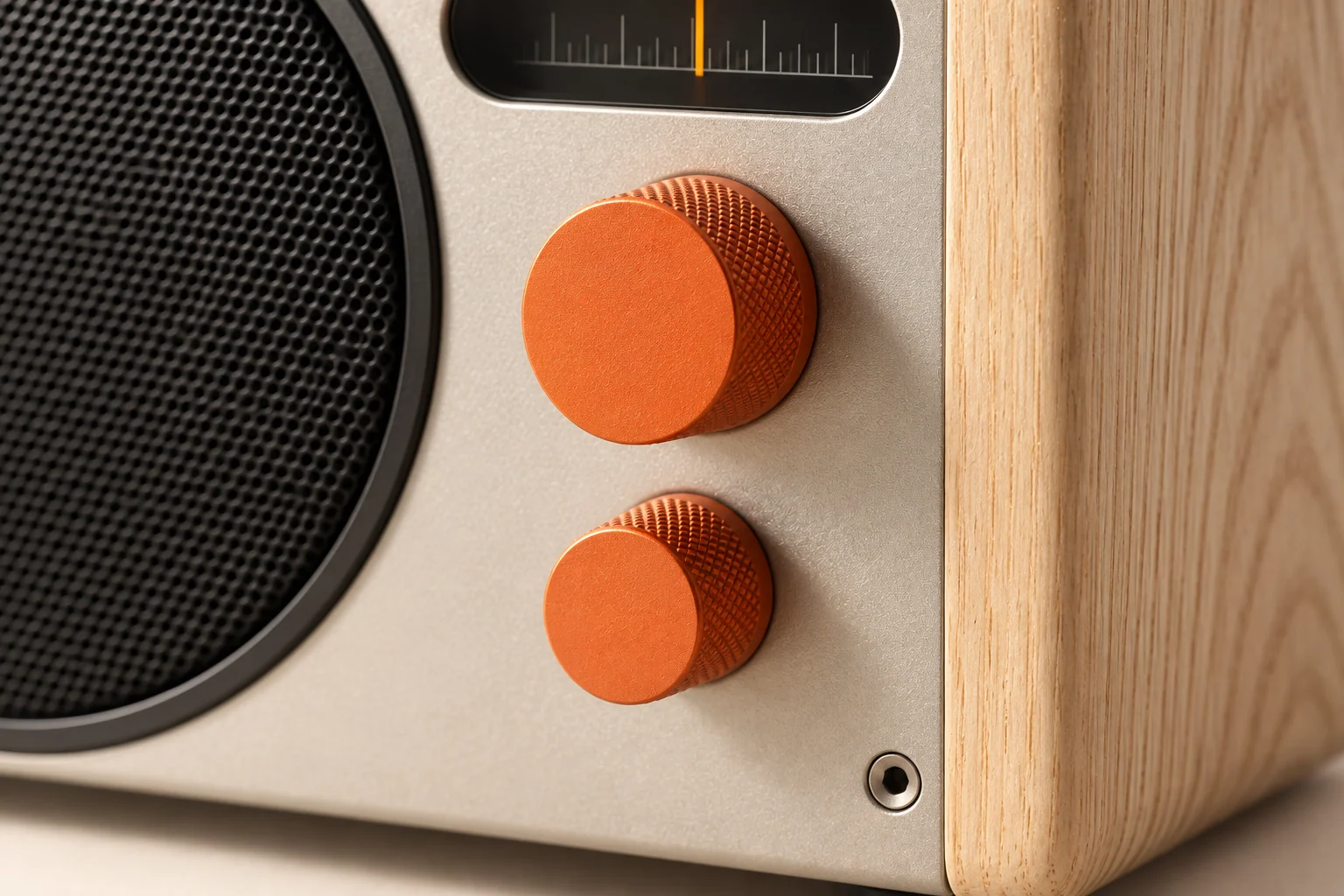
Ash, aluminium, orange
The natural ash cheeks have a matte protective finish. Grain and colour vary from piece to piece. The silver PERCH uses satin aluminium; the other panels use powder coat. Orange controls keep the family resemblance.
A simple clean
Disconnect power first. Use a soft, dry cloth on the body and controls. Keep liquids and cleaning sprays away from the grille, sockets and keys. Avoid soaking the wood or using abrasive cleaners.
A good place to live
These are indoor objects. Keep them away from water, radiators and long periods of direct sun. Give the rear panel breathing space, and disconnect power before moving or connecting cables.
Designed to be understood
Visible fasteners, separate wooden cheeks and clear controls are part of the design direction. OTTO is a fictional concept; no real parts, repair service or warranty programme is offered on this site.
A real journey.
An imagined shop.
OTTO is an original fictional brand made for shipandrun’s Possibilities collection. The objects, prices and specifications illustrate a complete product experience. No object is sold, payment taken or parcel sent.
How delivery is calculated
The US delivery example is $12 for standard service, or free when the object subtotal reaches $300. Express delivery is $24 at any subtotal. Standard shows 3–5 business days; express shows 1–2. These are illustrative times, not delivery promises. Tax is included in the displayed demo object prices.
What the bag remembers
The bag stores only product, finish and quantity on your device. You can add up to six of each finish. If your browser refuses storage, the bag works as you move through OTTO in the same tab, but reloading clears it.
Try checkout with example details
Choose Use example details at checkout to fill the form with a fictional name, email and address. Review the selection, acknowledge the demo and complete it. No payment or card fields appear. Delivery details are never saved in the bag or receipt and are cleared when you finish.
Your demo receipt
Confirmation clears your bag and offers a text receipt marked “Simulated receipt — not a purchase.” It contains your objects, quantities, delivery method and demo total. A non-personal copy may remain in this tab’s session storage. Download it to keep a copy.
Orders, returns or support
There are no real orders to track or return. For help with the working sound experiment, start with the playground chapter above. To discuss a website of your own, use “Build something like this” in the footer to prepare a shipandrun project brief.